
Dimensioning Software
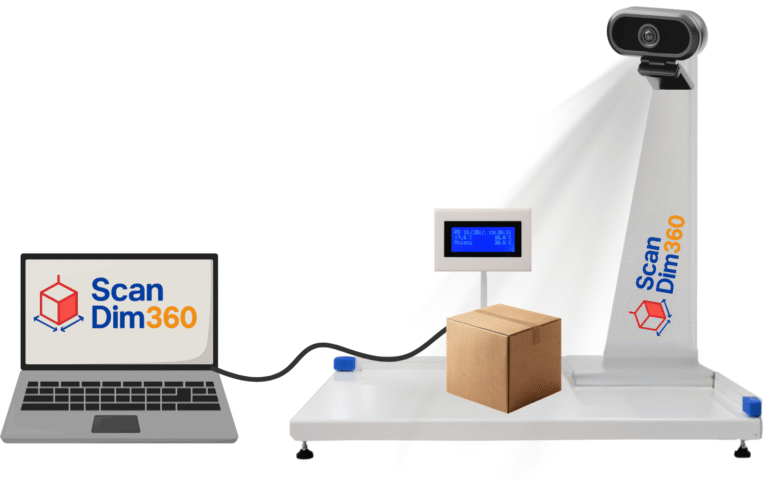
Our proprietary Scandim360 Dimensioning Software is the core of every Scandim360 system. Designed for accuracy and ease of use, it comes free of charge with all Scandim360 hardware. Installation is quick, integration is seamless, and the software is optimized to work flawlessly with our devices — ensuring you get reliable data from day one.
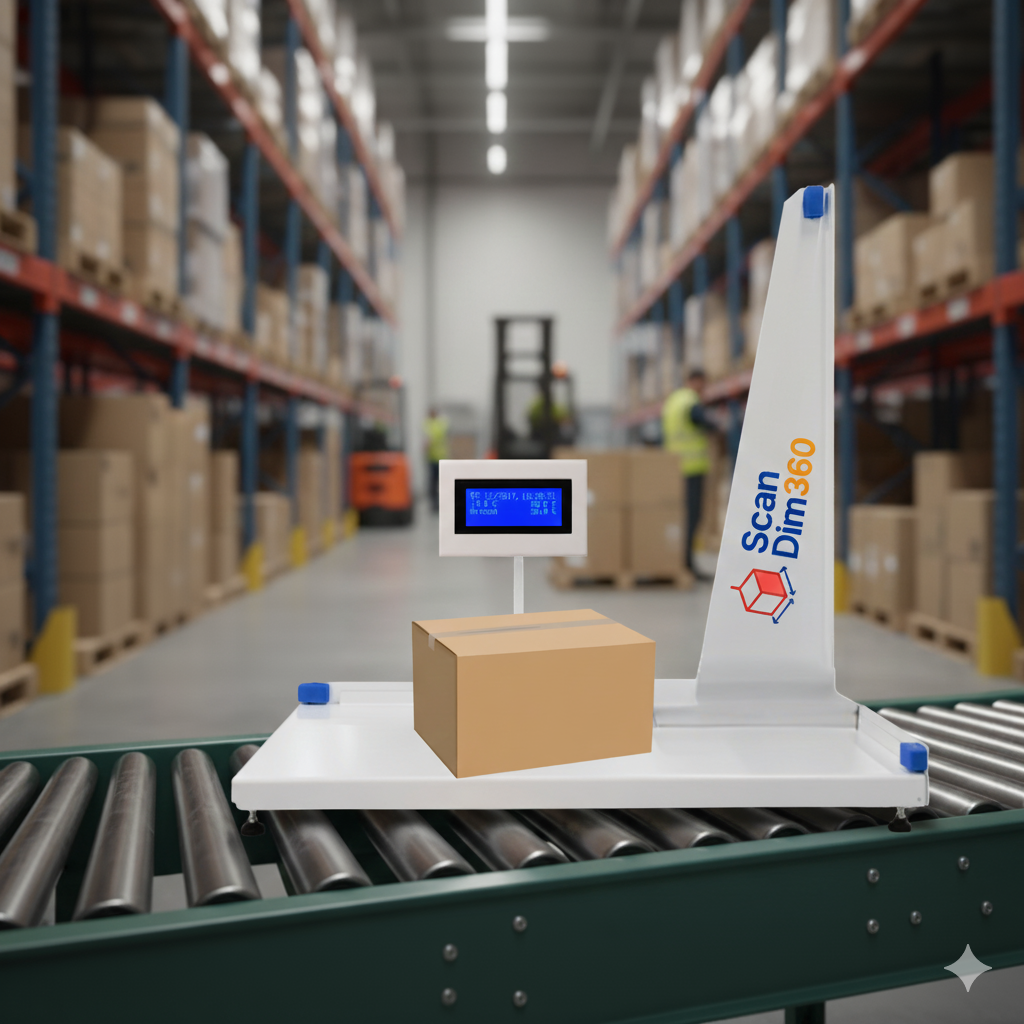
Three Ways to Use Scandim360 Dimensioning Software
Save Data Locally
Store measurement results directly on your computer as simple CSV or Excel files. This makes it easy to review, share, and process information later while keeping full control over your workflow. Though it involves some manual handling, it’s a flexible, reliable, and convenient option for smaller teams.
Scandim360 is built to integrate effortlessly with leading ERP, WMS, Ecommerce, shipping, and delivery platforms.
Some examples include SAP, Microsoft Dynamics 365, JEEVES, Consafe, Pyramid, DHL, TNT, nShift, Shopify, UPS, October, and Specter, along with many other global and regional solutions. Moreover, Scandim360 can be easily adapted to work with your custom-built or in-house systems, ensuring accurate data flow and a streamlined workflow across all your operations.
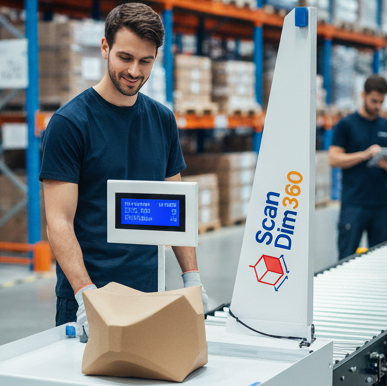
Scandim360 is easy to use with a clear, intuitive interface.
Select your Scandim360 product manual
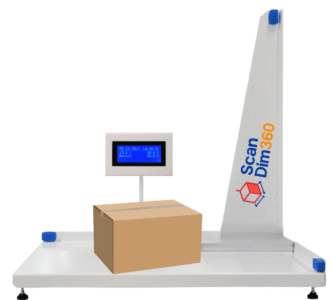
Guides and tutorials
Here are some installation videos that might help if
you encounter any issues with the installation.
Our most frequently asked questions
What kind of methods are available for retrieving data from the ParcelCube client software?
There are two methods:
- Webservice (Pull Data): This method pulls data from the ParcelCube client. You need to create software (web or desktop) that performs an HTTP Web Request to the PC where the ParcelCube client is installed.
- Remote Webservice URI (Push Data): This method pushes data from the ParcelCube client to a web service that is set up to receive the data.